System
Known manufacturer, model, identifier and configuration.

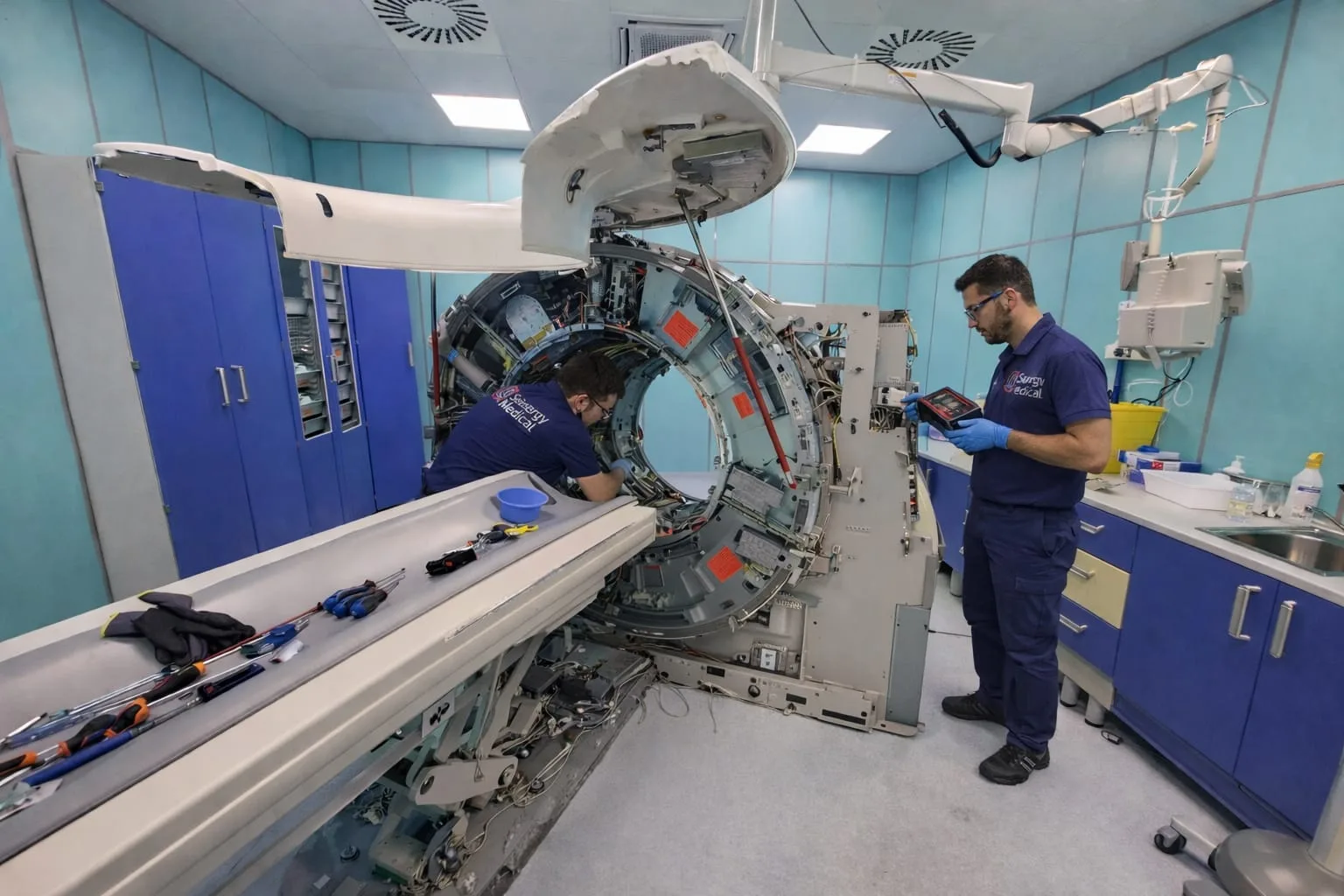
CT TECHNICAL SUPPORT
Framing an issue on a CT system requires information connecting the equipment, its configuration, the observed behaviour and operating conditions. The initial collection separates available facts from assumptions that still require verification.
APPROACH
Model, identifier, configuration and the elements involved help delimit the context. Messages, events, operating conditions and issue frequency describe what has actually been observed.
The initial assessment defines the next checks and whether further information, system access or specific materials may be required. No availability or timing is assumed before this review.
Technical information must be relevant and free from health data or credentials. A suitable channel for any files is agreed separately.
Known manufacturer, model, identifier and configuration.
Messages, events and conditions in which the behaviour appears.
Preliminary verification and additional information to collect.
Scope, access, parts and timing to confirm for the case.
RELEVANT INFORMATION
A clear event sequence helps separate the observed effect from a possible cause. It is useful to state whether the issue is intermittent, appears under specific conditions and follows recent work on the system.
Identification of parts or subsystems remains subject to verification. Compatibility and part availability are not inferred from the machine’s commercial name alone.
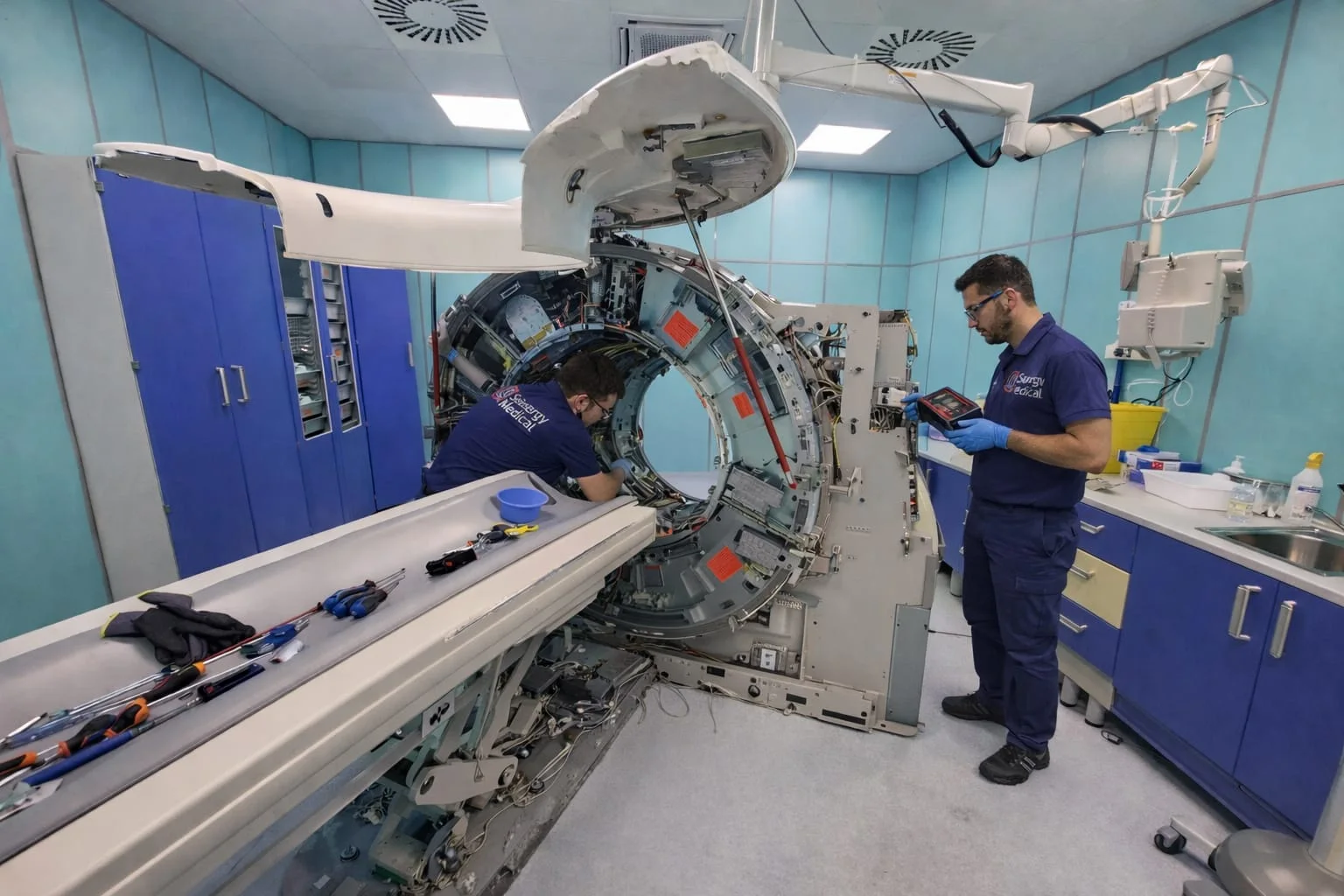
METHOD
Collect the model, identifier and available configuration.
Describe the event, conditions, frequency and recent activities.
Define the checks and additional information required.
Establish activities, access, parts and responsibilities.
USEFUL QUESTIONS
No. A message is useful information, but it must be read together with the system, configuration and case-specific checks.
Compatibility, requirement and availability are verified for the specific system.
Any transfer must be agreed and must exclude health data, patient information, credentials and irrelevant content.
Tell us what support you need, where the facility is located and what matters most to you. Let’s start there.